
Momentum alternative
A calm New Tab that also finds every link you saved
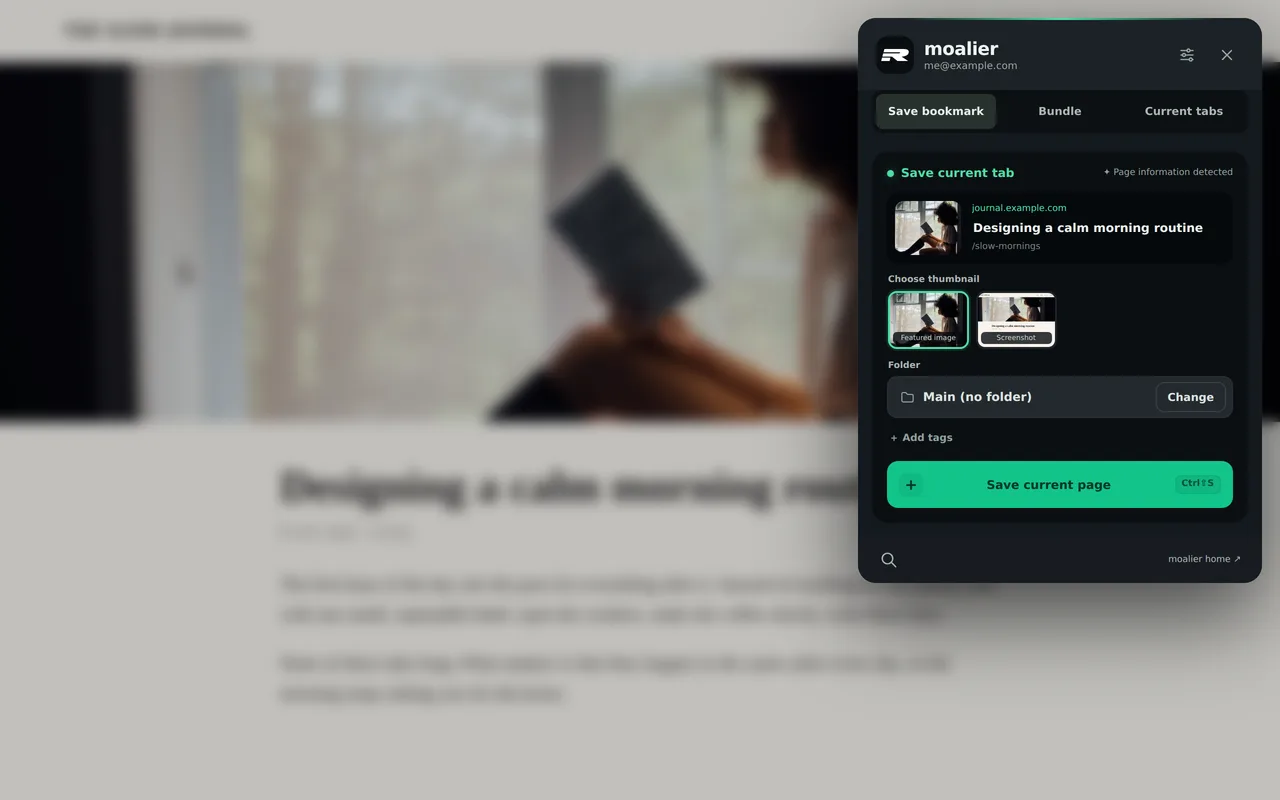
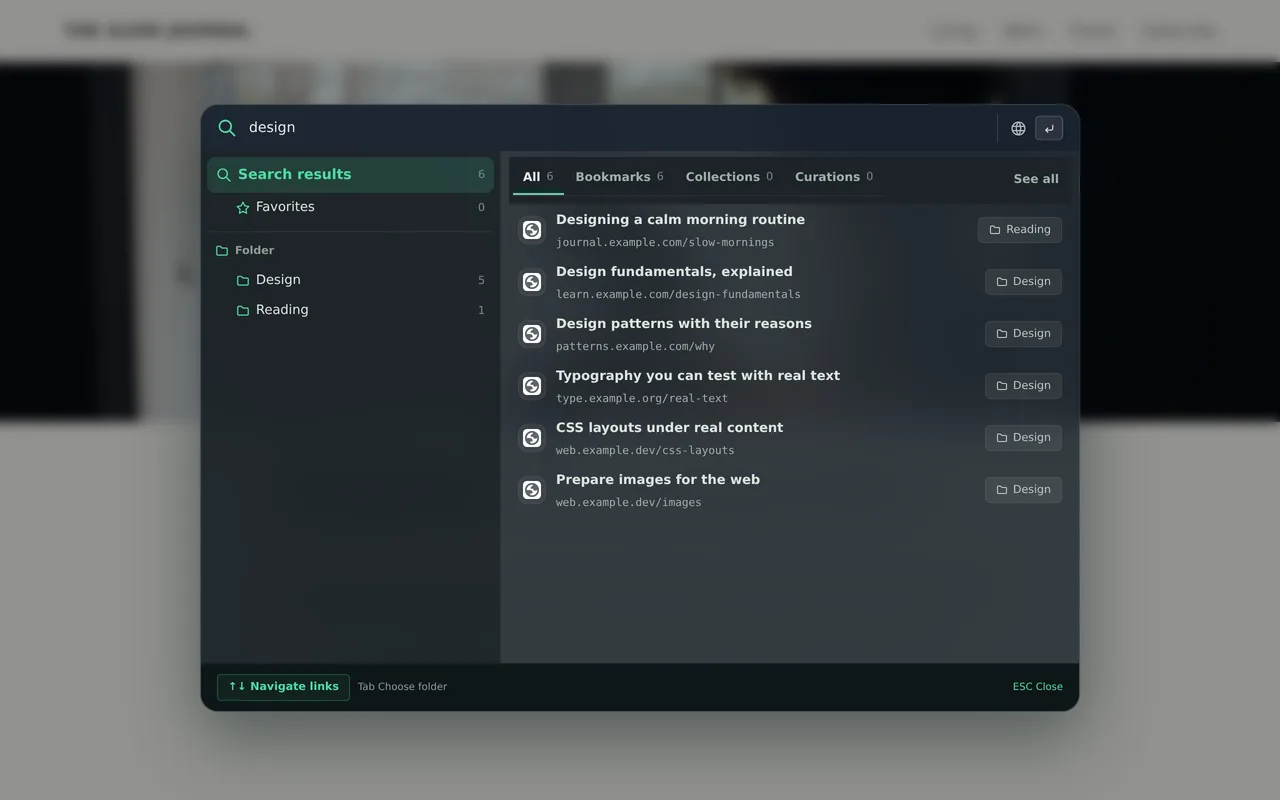
Like Momentum, MOALIER gives you a beautiful New Tab. It also saves any page with a thumbnail in one click and finds it again from any page with a shortcut.
 Add to Chrome
Compared on November 8, 2026. Features change, so tell us if something is out of date.

The short answer
Choose MOALIER if
- You save lots of links and lose them in folders
- You want your own photos or videos behind your New Tab
- You want it to work without an account
Momentum may suit you better if
- You mainly want a daily goal, to-dos and Focus Mode tools (Pomodoro, site blocker) on your New Tab
Side by side
| Feature | MOALIER | Momentum |
|---|---|---|
| Scenic New Tab | Photos and videos | A curated daily photo |
| Your own background | Upload your own photos or videos | Your own photos with Momentum Plus (paid) |
| Save a page with its thumbnail | One click | Links you add and pin; no page saving listed |
| Search saved links from any page | Ctrl+Shift+F on any page, or type moa in the address bar | Not listed on their site |
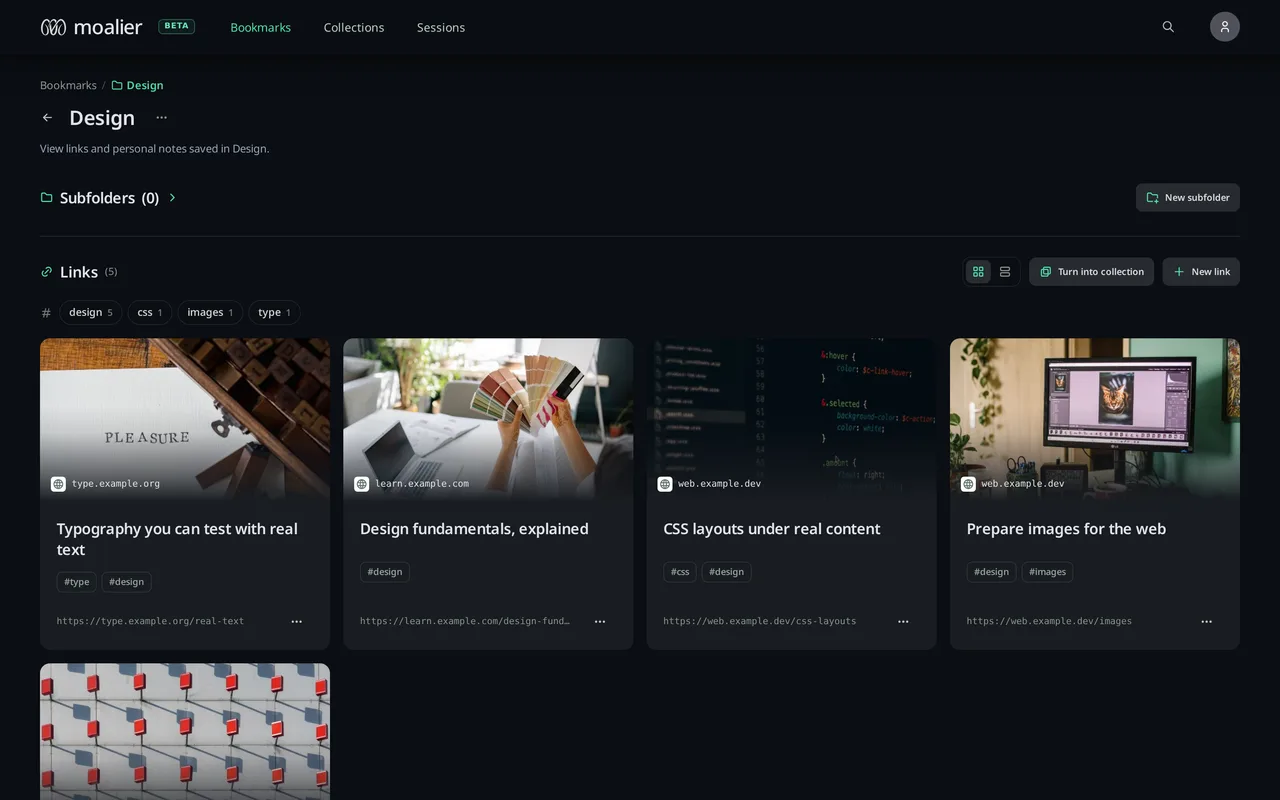
| Import browser bookmarks | Yes, originals stay unchanged | Not listed on their site |
| Works without an account | Yes, links stay on this device | Yes (“Stay logged out”) |
| Sync across devices | With Pro | With an account |
| Browsers | Chrome, Edge, Whale, Opera, Firefox | Chrome, Firefox, Edge, Safari, other Chromium browsers; iOS app |
Momentum is a trademark of its owner. We list only what we could check on November 8, 2026.
Switching from Momentum
- Add MOALIER to your browser. Your bookmarks are imported, never changed.
- Pick a scenic photo or video, or upload your own.
- Turn off the other New Tab extension so the two don't compete.
Try it on your next New Tab
Works in Chrome, Edge, Whale, Opera and Firefox.